Rust เขียน Axum พร้อม OpenAPI docs ด้วย Utoipa
#rust , #axum , #openapi , #utoipa , #swagger , #redoc , #scalar
Intro
พอดีเห็นโพสต์ผ่าน timeline ในกลุ่ม rust เกี่ยวกับ rust + openapi เลยอยากลองทำดูบ้างและเดี๋ยวจะมีโอกาสได้ใช้ในอนาคต
Coding Time!
ใน Cargo.toml ต้องมี crate axum utoipa และอื่นๆตามนี้
[package]name = "rust-axum-swagger-example"version = "0.1.0"edition = "2024"
[dependencies]axum = { version = "0.8.6" }axum-extra = { version = "0.12.1", features = ["typed-header"] }utoipa = { version = "5.4.0", features = ["axum_extras"] }utoipa-axum = { version = "0.2.0" }serde = { version = "1.0.228", features = ["derive"] }tokio = { version = "1.48.0", features = ["full"] }utoipa-swagger-ui = { version = "9.0.2", features = ["axum", "reqwest", "url"] }utoipa-redoc = { version = "6.0.0", features = ["axum"] }utoipa-rapidoc = { version = "6.0.0", features = ["axum"] }utoipa-scalar = { version = "0.3.0", features = ["axum"] }tower-http = { version = "0.6.6", features = ["cors"] }
สร้าง API basic route
เราลองมาสร้าง api route แบบง่ายๆกัน
use axum::response::Html;
// basic handler that responds with a static string#[utoipa::path(    method(get),    path = "/",    responses(        (status = OK, description = "Success", body = str, content_type = "text/html")    ))]pub async fn hello_world_route() -> Html<String> {    Html(r#"Hello, World!"#.to_string()    )}
เราสามารถกำหนด method path response ด้วย attribute macro #[utoipa::path] แบบตัวอย่างได้เลย
หาก return response body เป็น JSON เราสามารถกำหนดได้ด้วย struct เช่น body = User
สร้าง OpenAPI router
สร้าง OpenAPI router และใส่ fn route ที่สร้างในวงเล็บ utoipa_axum::routes!()
pub fn basic_openapi_router() -> utoipa_axum::router::OpenApiRouter { utoipa_axum::router::OpenApiRouter::new().routes(utoipa_axum::routes!(hello_world_route))}นำ OpenAPI router มาใช้ใน Axum
สร้าง struct ApiDoc เพื่อนำไปใช้ใน code สร้าง Utoipa OpenApiRouter ต่อข้างล่าง
use utoipa::{OpenApi};
#[derive(OpenApi)]#[openapi(    info(        title = "Basic API",        version = "1.0.0",        description = "Basic API created with Axum + Utoipa!",        license(            name = "MIT",            url = "https://opensource.org/license/mit/"        )    ))]pub struct ApiDoc;
สร้าง router และ run app
use axum::http::header;use rust_axum_swagger_example::repository::UserDbMock;use rust_axum_swagger_example::routes::basic;use rust_axum_swagger_example::{ApiDoc, AppState};use std::sync::Arc;use utoipa::OpenApi;use utoipa_redoc::Servable as RedocServable;use utoipa_scalar::{Scalar, Servable as ScalarServable};
#[tokio::main]async fn main() {    let (router, api) = utoipa_axum::router::OpenApiRouter::with_openapi(ApiDoc::openapi())        .nest("/api/v1/basic", basic_openapi_router())        .split_for_parts();
    // build our application with a route    let app = router        // Swagger UI route        .merge(            utoipa_swagger_ui::SwaggerUi::new("/docs").url("/api-docs/openapi.json", api.clone()),        );
    println!("Serving on http://127.0.0.1:3000");    let listener = tokio::net::TcpListener::bind("0.0.0.0:3000").await.unwrap();    axum::serve(listener, app).await.unwrap();}
โค๊ดนี้จะดูแปลกๆหน่อยเราจะสร้าง Router หลักของเราจาก
utoipa_axum::router::OpenApiRouter::with_openapi(ApiDoc::openapi())และ define parent api route /api/v1/basic แล้วใส่ basic_openapi_router()
.nest("/api/v1/basic", basic_openapi_router())แล้วใช้
.split_for_parts();เพื่อที่จะได้ router กับ api มาใช้ต่อไป
จากนั้น
เราจะเพิ่ม swagger UI เพื่อให้สามารถเรียกดูได้ผ่าน /docs
// build our application with a route let app = router // Swagger UI route .merge( utoipa_swagger_ui::SwaggerUi::new("/docs").url("/api-docs/openapi.json", api.clone()), );-
/api-docs/openapi.jsonคือที่อยู่ของ OpenAPI difinition ของ API เรา -
เราต้องใส่
api.clone()จากข้างบนเพื่อบอกว่า API ของเราคืออันไหน
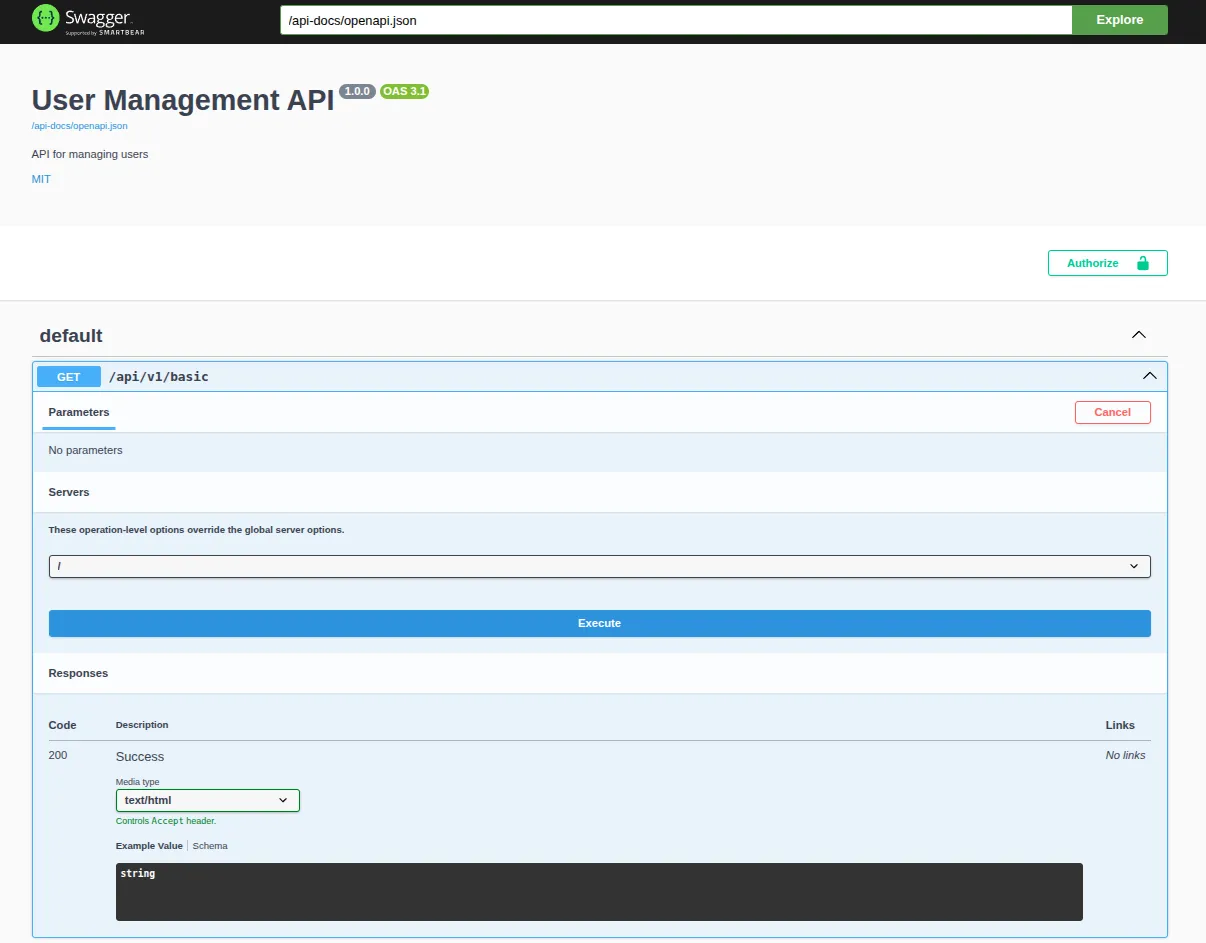
ลองรันดูแล้วเข้าไปที่ http /docs เพื่อดู swagger UI
ลองใช้ OpenAPI UI แบบอื่นดูบ้าง
Redoc
let app = router // Swagger UI route .merge( utoipa_swagger_ui::SwaggerUi::new("/docs").url("/api-docs/openapi.json", api.clone()), ) // Redoc route .merge(utoipa_redoc::Redoc::with_url("/redoc", api.clone())); // the rest of the code....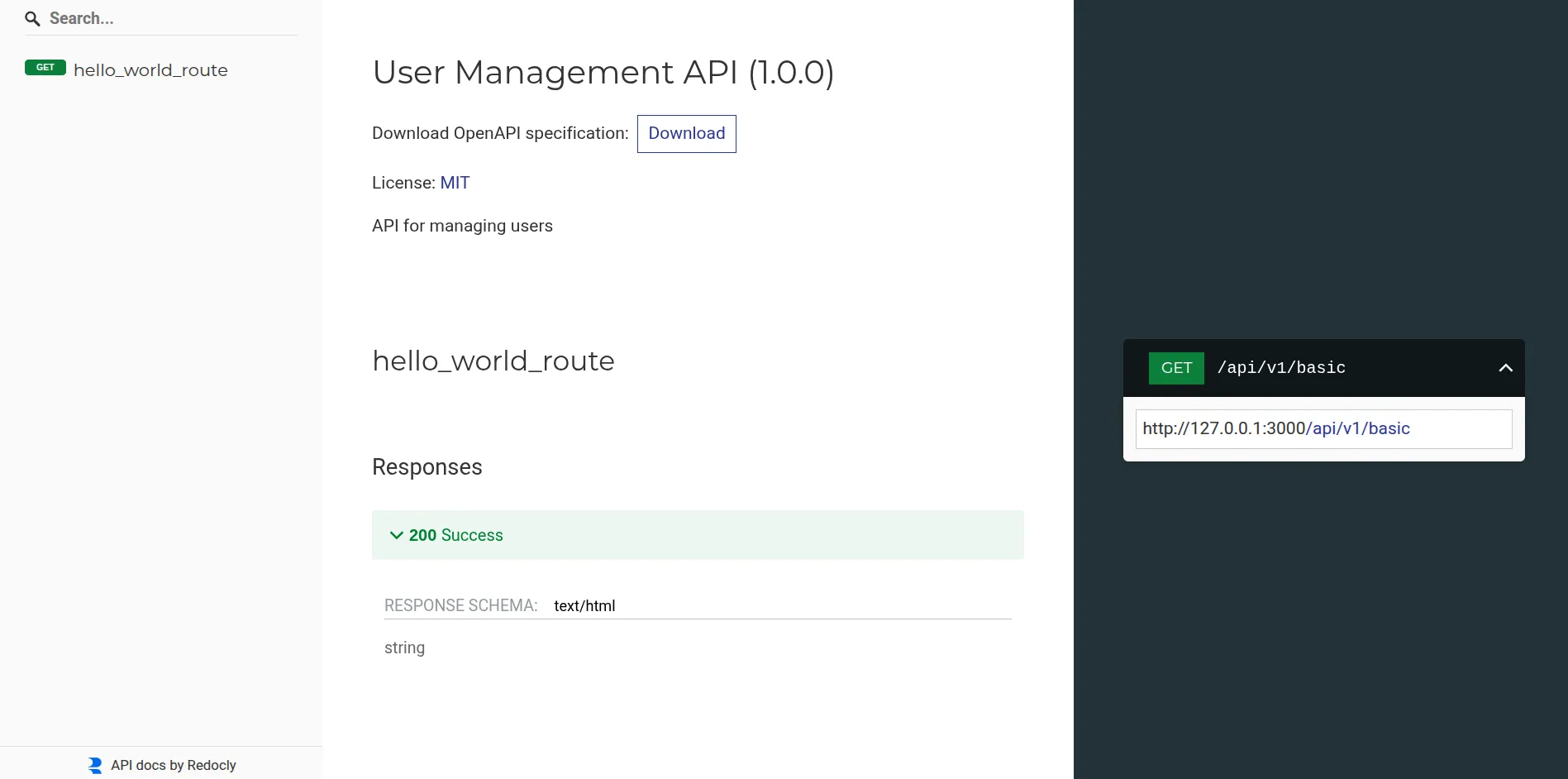
Rapidoc
let app = router // Swagger UI route .merge( utoipa_swagger_ui::SwaggerUi::new("/docs").url("/api-docs/openapi.json", api.clone()), ) // Rapidoc route .merge(utoipa_rapidoc::RapiDoc::new("/api-docs/openapi.json").path("/rapidoc")) // the rest of the code....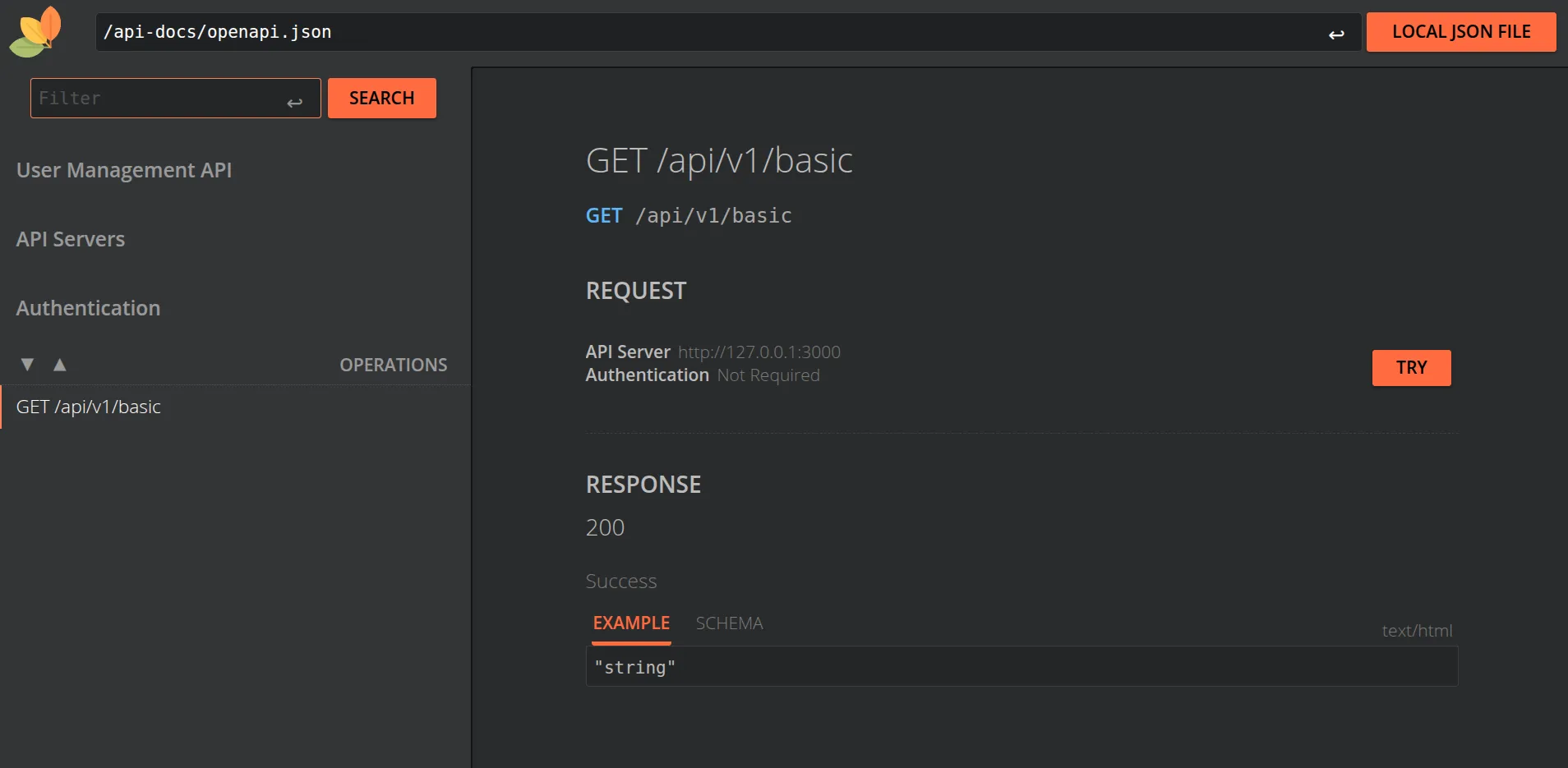
Scalar
let app = router // Swagger UI route .merge( utoipa_swagger_ui::SwaggerUi::new("/docs").url("/api-docs/openapi.json", api.clone()), ) // Scalar UI route .merge(Scalar::with_url("/scalar", api)) // the rest of the code....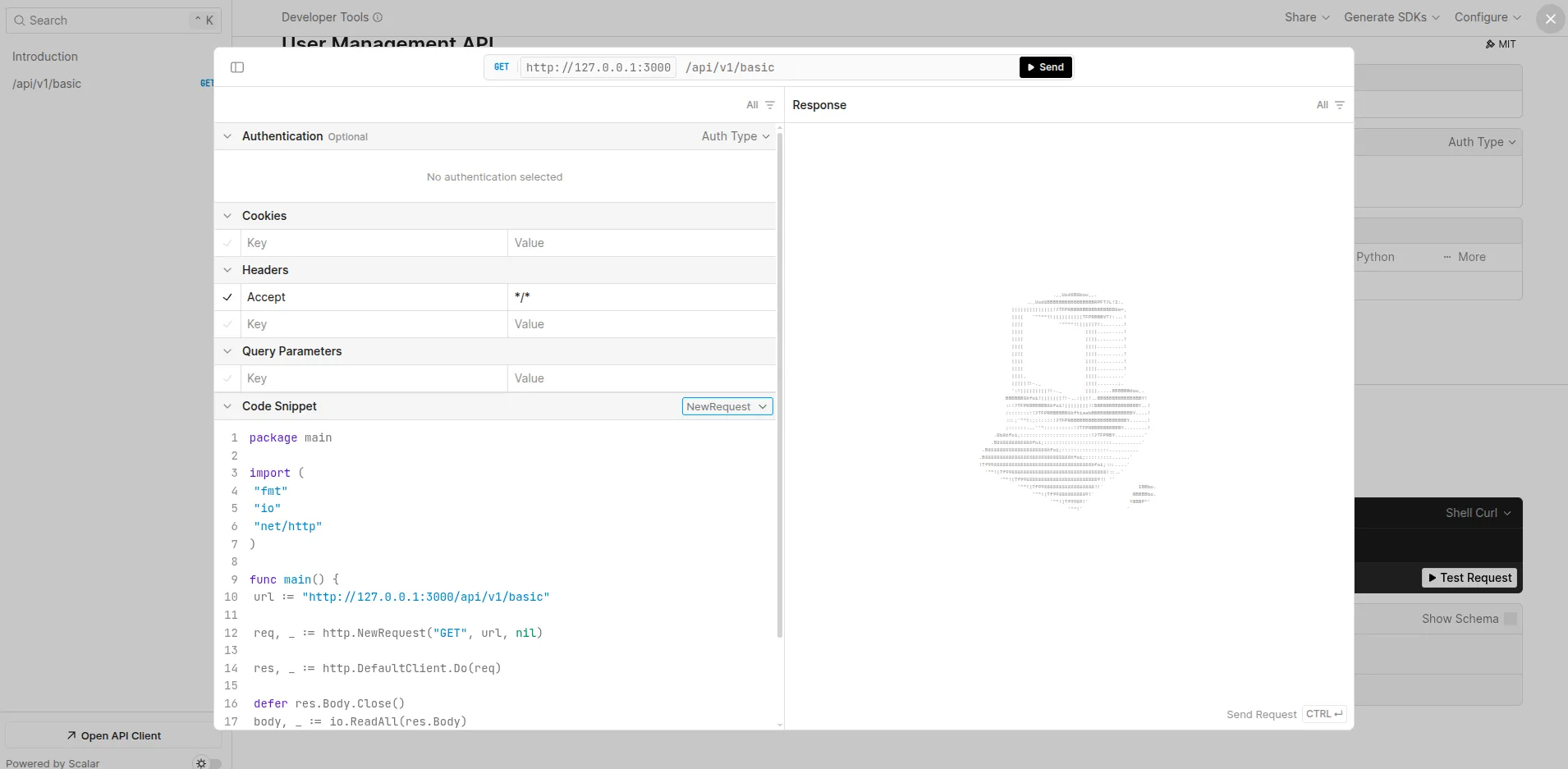
ส่วนตัวชอบ Scalar เพราะมี UI modern กว่า แล้ว generate code ได้
Next Chapter
ตอนต่อไปเราจะสร้าง OpenAPI routes สำหรับรับข้อมูล / ใช้ http method อื่นๆ / ใช้ /{param} / etc